Add 200.00 د.إ more to qualify for free delivery!
Troubleshooting Your IQOS Originals Duo
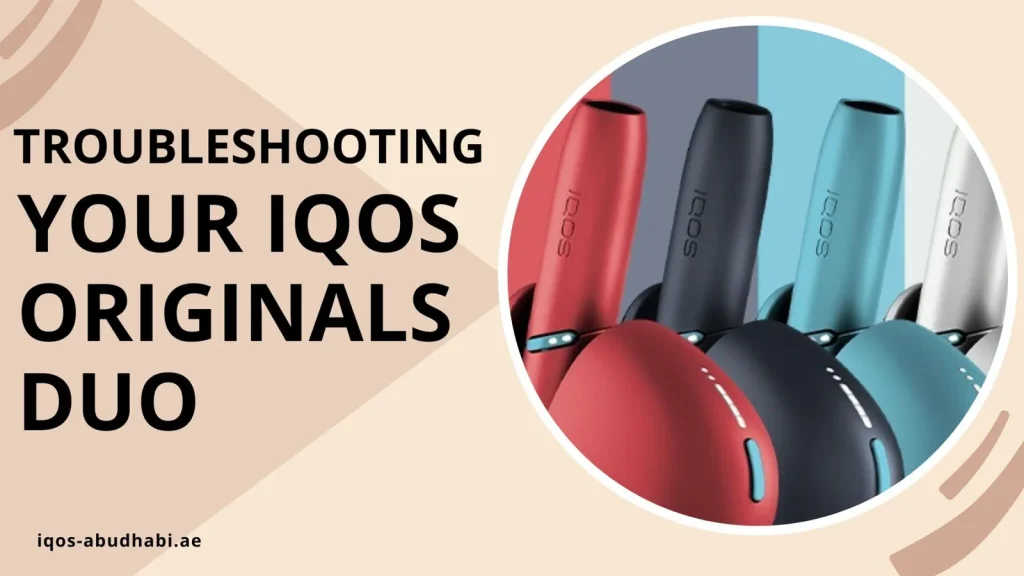
Table of contents
The IQOS Originals DUO tells you what is wrong through its lights. This troubleshooting guide explains the common signals and the simple fixes to try before you contact support.
IQOS Originals DUO Status Lights
| Signal | Likely cause | What to do |
|---|---|---|
| Blinking red | Problem with the heating blade or the device | Clean the blade, then reset the device |
| Red that keeps flashing | Device error | Reset: hold the button for 10 seconds |
| Flashing white | Too hot or too cold | Let it reach room temperature |
| No lights after a long time unused | Battery fully drained | Charge it, the lights can take up to 20 minutes to come on |
How to Reset the Device
Make sure the device has some charge. Then press and hold the button for 10 seconds. Try using it again after the lights settle.
Not Charging
- Use the original charger and cable.
- Clean the contacts between the Holder and the charger.
- Check the wall socket and the cable.
- Make sure the device is not too hot or too cold. It works between 0°C and 50°C.
- Reset the device.
Weak Draw or Little Aerosol
- Clean the Holder and check the heating blade for tobacco bits.
- Push the HEETS stick fully in, and make sure it is not dried out.
- Check the battery level.
Cleaning Tips
Clean the Holder after each pack of HEETS. Wait about 30 seconds after use so it cools down. Use the official cleaning tool or a cleaning stick and be gentle, the heating blade can break if you press hard.
If the blade is broken or the device still does not work after cleaning and a reset, contact IQOS customer care.
Which Sticks Does It Use?
The IQOS Originals DUO is a blade device. It uses HEETS, not TEREA. HEETS and IQOS Originals devices are sold on our site when in stock.