Add 200.00 د.إ more to qualify for free delivery!
Troubleshooting Your IQOS 3 Duo
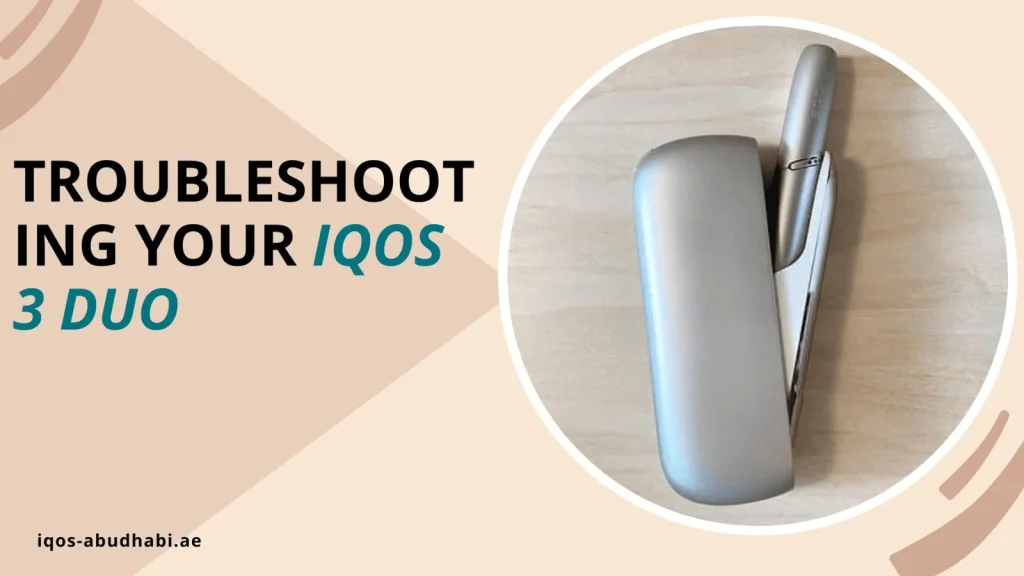
Table of contents
Is your IQOS 3 DUO not charging, showing red lights or giving weak draws? Most of these problems have a simple fix. This troubleshooting guide lists what to check first.
Common IQOS 3 DUO Problems and Fixes
| Problem | What to try |
|---|---|
| Not charging or blinking lights while charging | Use the official charger and cable, clean the connectors, and check the wall socket. |
| Red light that stays | Reset the device (steps below). |
| Lights blinking, device will not heat | The device may be too hot or too cold. Let it reach room temperature and try again. |
| Weak or no airflow | Tobacco has built up in the Holder. Clean it with the cleaning tool. |
How to Reset IQOS 3 DUO
- Put the Holder into the Pocket Charger and close the door.
- Press and hold the Pocket Charger button for 10 seconds.
- Let go and wait for the lights to switch off, then press once to finish.
Care Tips That Prevent Most Problems
- Clean the Holder regularly with the official cleaning tool. Be gentle with the heating blade, it can break.
- Charge only with official IQOS equipment.
- Store the device in a cool, dry place. Do not leave it in a hot car.
- Use HEETS only. TEREA sticks are not made for blade devices like the IQOS 3 DUO.
If the heating blade is broken or the device still does not work after a reset, contact IQOS customer care. For charging questions, see how to charge IQOS 3 DUO.
FAQ
Why is my IQOS 3 DUO not working?
The usual causes are a flat battery, a dirty Holder or a device that is too hot or cold. Charge it, clean it and try a reset.
Why is air not flowing through my IQOS?
Tobacco bits are likely blocking the Holder. Make sure the device is on, then clean the Holder well. If it is hot, let it cool first.